

More items from this sellerView All







Halo Wars 2 EU XBOX One / Xbox Series X|S CD Key
€9.35
21 in stock
Description
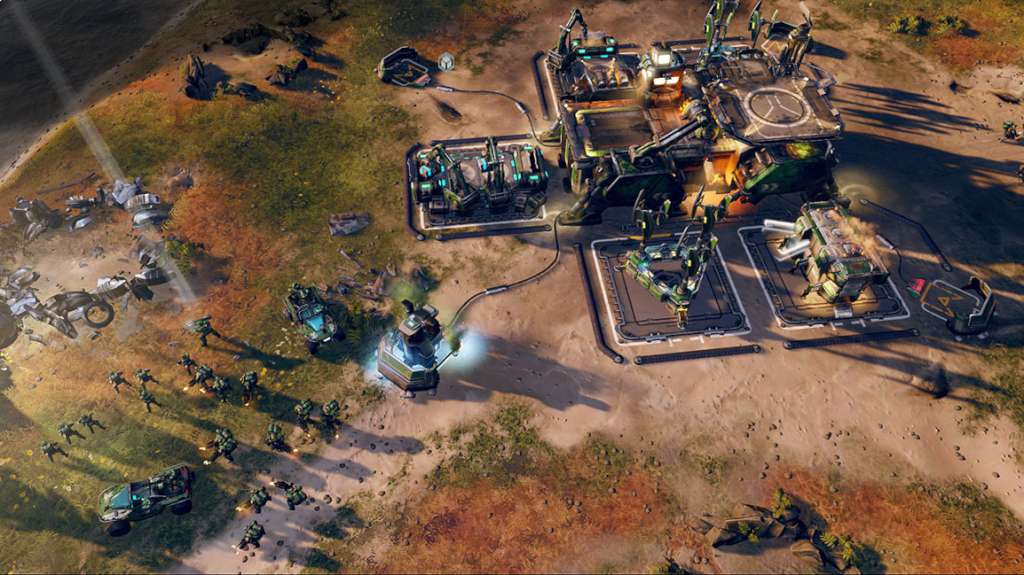
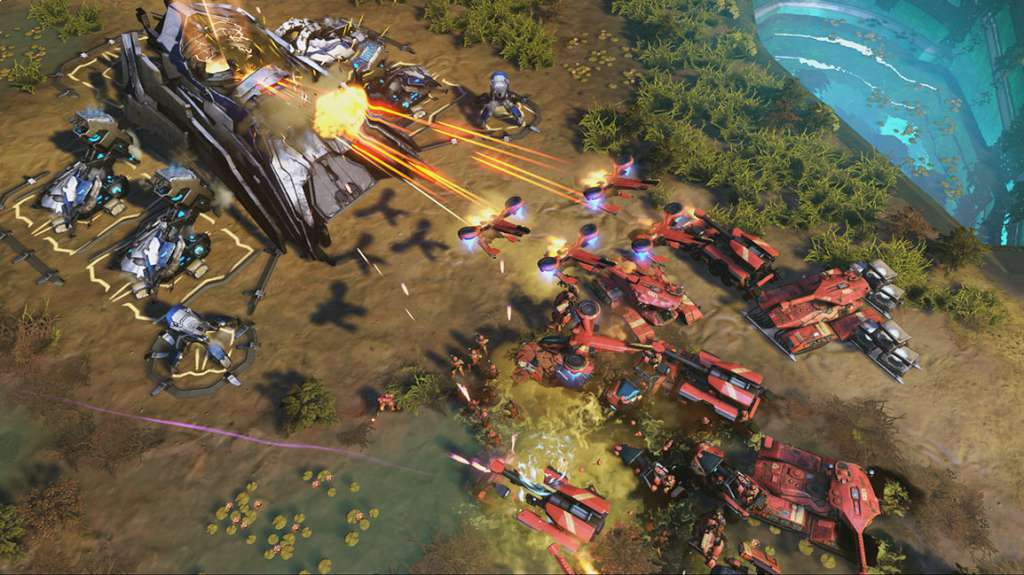
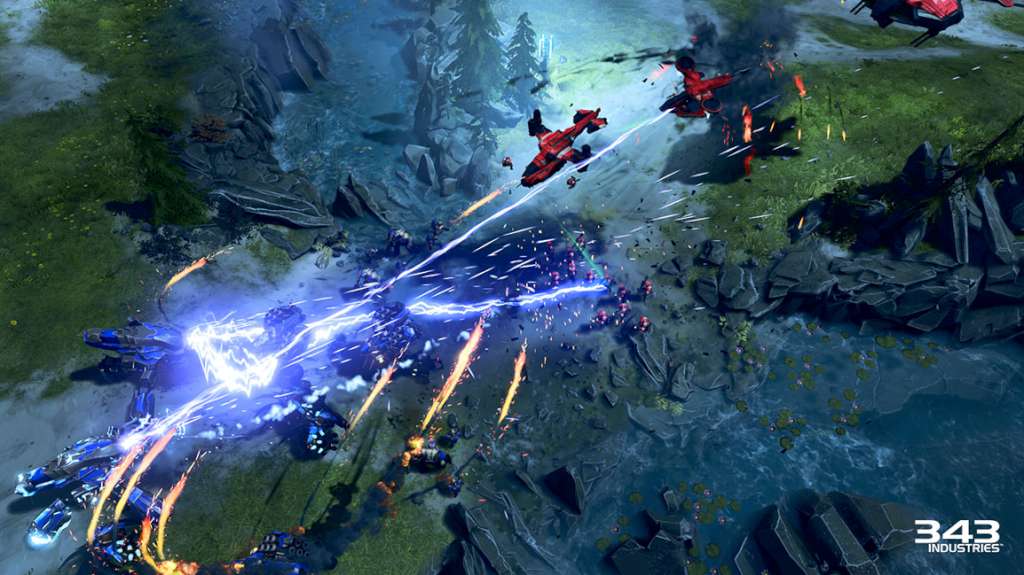
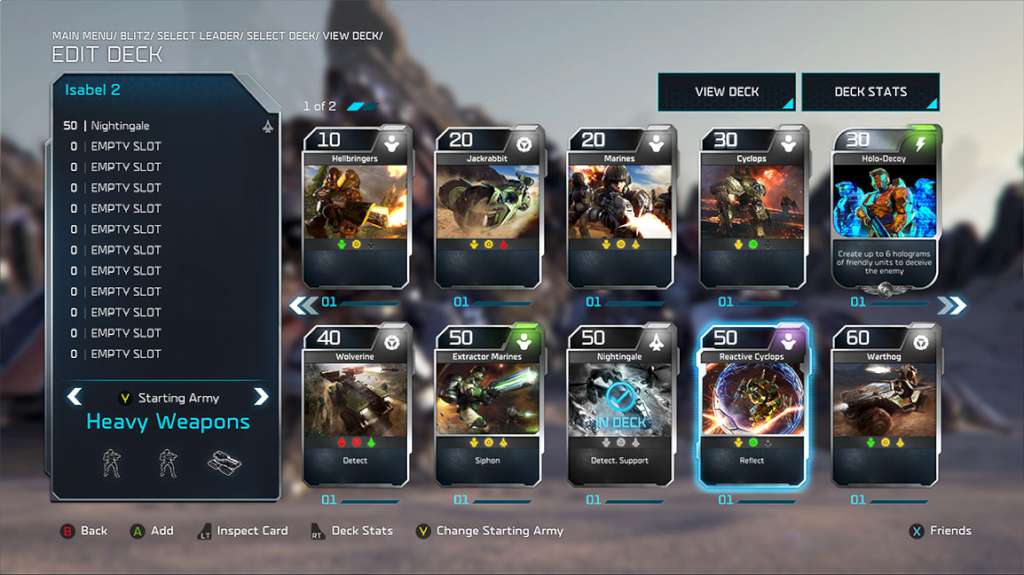
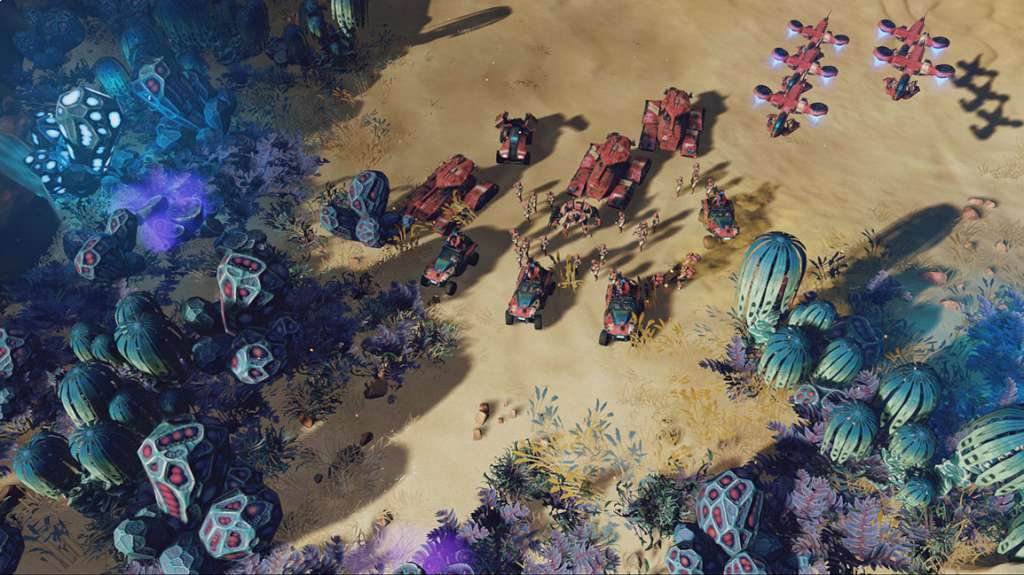
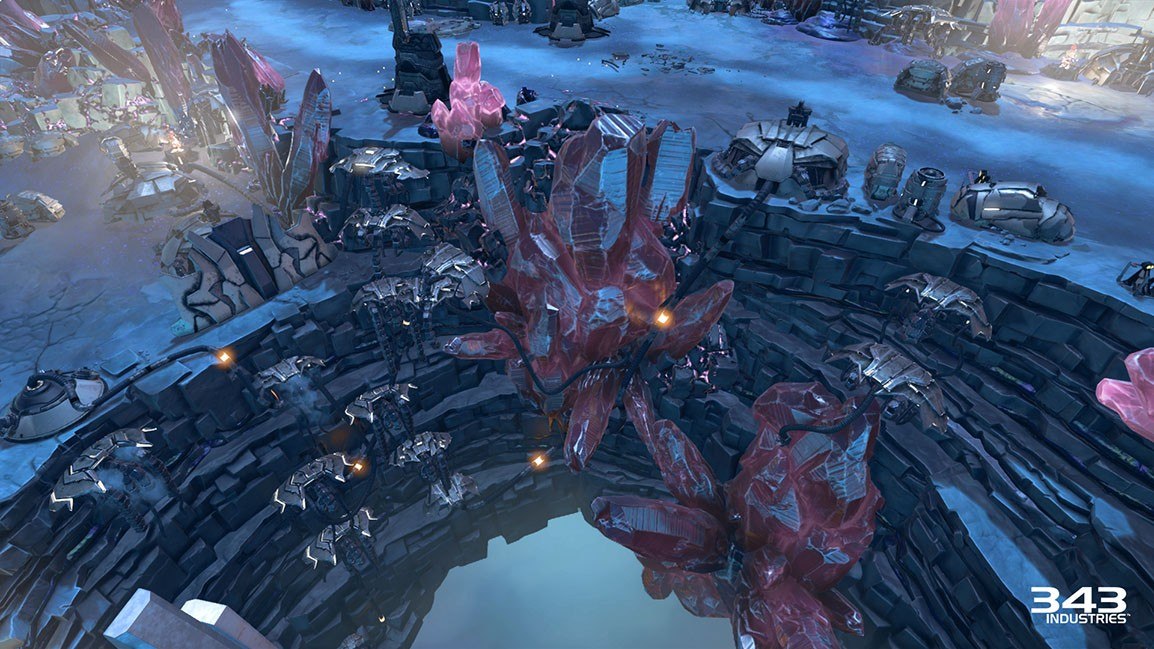
Real-time strategy makes an explosive return to the Halo universe in Halo Wars 2. Lead Spartans, Warthogs and other classic Halo fighting forces in a brutal war against a terrifying new enemy on the biggest Halo battlefield ever. Features Action-packed Story – The heroes of Halo Wars return to find themselves – and the galaxy – in more danger than ever. Following the events of Halo 5, the all-new story is told in action-packed missions set on the legendary Halo destination known as the Ark. Players will strategically command overwhelming firepower in large-scale battles against a terrifying threat facing the UNSC and all of humanity. Build Your Halo Army – Construct your bases, prepare your vehicles and amass your troops. Lead them into huge battles that span across alien environments in a vast collection of campaign and multiplayer maps. Multiplayer Warfare – Play with or against your friends and the XBOX Live community in up to 3v3 matches. All-new units with explosive firepower, Leaders with special abilities that help to turn the tide in battle and thrilling multiplayer modes are at your fingertips as you wage war on a variety of maps. Blitz: Instant Command – Blitz is an entirely new way to experience Halo Wars and real-time strategy gameplay. Combining tactical combat with card-based strategy, your deck is your army in Blitz as you build collections of powerful Halo vehicles and troops and command those units in fast-action matches online or solo against waves of enemies.
Additional information
| Developers | The Creative Assembly |
|---|---|
| Publishers | Microsoft Studios |
| Genres | Action, Adventure, RPG, Simulation, Story rich, Strategy |
| Platform | Xbox One |
| Languages | English |
| Release date | 2017-02-21 |
| Age rating | PEGI 16 |
| Metacritic score | 79 |
| Regional limitations | 1 |
In order to use the key follow the instruction below: Go to https://www.xbox.com Login to your account Hover over your account link (the top right of the screen) a menu will appear, click on the "Redeem Code" button. On the next page, click "Redeem" Enter your code Click "Confirm" Click "Confirm" again to assign the key to your account. In order to download and install your game on Windows 10 follow the instructions below: Using your Microsoft account, sign in to the PC where you want to install your games. On the Start screen, select the Store icon. In the Store, select Games from the menu. Browse and select the game you want to install.